
How to Get Norman County Court Records
The case number is the best place to begin. Norman County Court Administration holds the official local District Court record, and Minnesota Court Records Online, or MCRO, serves as the statewide public search surface. MCRO can locate a case, display its Register of Actions, and open some public documents. It will not certify anything or accept a filing. For an official copy, a record missing from MCRO, or help with a restriction, contact Court Administration directly.
Several routes exist. Try the online search first. You can also inspect public records at the courthouse during regular hours, call with a case-specific question, or ask about mail, telephone, and email requests. Norman County publishes no special request form, mailing template, response time, or terminal room listing. Settle the format, delivery method, and fee category before you send money.
- Identify the complete case number, citation number, party name, and the document or event needed.
- Check MCRO Case Search, then open Case Details and note the Register of Actions entry or document index number.
- Use Document Search when the complete Norman County case number is available and a specific public attachment is sought.
- For a record not shown online, call, write, email, or visit Norman County Court Administration and state whether an ordinary or certified copy is needed.
- Confirm the charge and delivery details before payment, then retain the case number with the copy request.
Note: Even a complete online record may still call for a local request. Certification, proof, or a document held only on paper has to come through Court Administration.
Searching Norman County Court Records in MCRO
MCRO splits its work into distinct tools. Case Search takes a person, business, attorney, complete case number, or complete citation number. Case Details then opens the Register of Actions and any public documents. Hearing Search answers date and judicial-officer questions. Judgment Search covers docketed money judgments and satisfactions. Searching for one document, though, takes the complete case number.
Spell the name exactly. Pick Norman County when the venue is known. A trailing wildcard can follow at least two characters. It cannot pair with Sounds Like. A full case number is often the strongest key. A pending criminal case can stay hidden from a defendant-name search before any conviction. Write down the event date and document index number before calling Court Administration.
| MCRO route | Best use | Local check |
|---|---|---|
| Case Search | Find a Norman County case and its Case Details | Read the full Register of Actions, not only the result row. |
| Document Search | Locate a public attachment by complete case number | An index entry does not promise a downloadable document. |
| Hearing Search | Find a hearing by party, case, judicial officer, or attorney | Compare a scheduled hearing with the current Norman daily calendar. |
| Judgment Search | Find docketed money judgments and satisfactions | Open Case Details for the case history and judgment context. |
Note: Keep a complete number plus the event date handy. Any later repeat of a Norman County search depends on them.
Types of Norman County Court Records
Norman County District Court handles civil, family, probate, juvenile, criminal, and traffic matters from the start. What a court record holds turns on the case type, the filing date, and the public-access rule that applies. The Register of Actions works as the running history. A full file may add documents, hearing entries, dispositions, financial entries, and judgments. Not all of it can be viewed remotely.
- Register of Actions: the case title, origin, activities, proceedings, and filings in chronological form.
- Case documents: public pleadings, orders, notices, and other attachments available under the remote-access rules.
- Hearing entries: settings, locations, hearing types, and later event information shown in Case Details or calendar tools.
- Judgments and satisfactions: docketed money-judgment information found through Judgment Search and the case record.
- Certified court copies: locally issued copies that carry Court Administration certification rather than an MCRO download.
Family cases come with thinner remote document coverage. Civil commitment, domestic-abuse, harassment, delinquency felony 16+, CHIPS, and some older matters carry special access limits or may need a local route instead.
Norman County Court Records at the Courthouse
Walk-in access happens at the Norman County Courthouse in Ada. Minnesota's public-access rules allow inspection and copying of accessible case records where they are kept. Do this during regular hours. State materials require public-access terminals at district courthouses. Norman County publishes no terminal room, assistance process, copier location, or walk-in turnaround. A quick call before your visit will confirm the current process.
The office to deal with is Court Administration, not a county clerk or district clerk. Court Administrator Carissa Scholz appears on the official county court page. Her staff can sort out access questions and certification. They also handle a missing online record, calendar confirmation, and whether a record is public or restricted. Free surface and on-street parking are listed for the courthouse.
Norman County Court Administration
Norman County Courthouse
16 3rd Avenue E
Ada, MN 56510
218-415-7090
Monday-Friday, 8:00 a.m.-4:30 p.m.
What a Norman County Court Record Contains
A search result is only a first step. Open Case Details and work through Case Information, Party Information, Case Events, Hearings, Dispositions, Documents, and any Judgment or Financial area. An event label by itself proves nothing final. Read the detailed disposition plus any judgment or satisfaction history before you conclude anything about the case.
| Case number | The complete identifier used for Case Search and Document Search. It is the most direct way to locate the correct file. |
|---|---|
| Register of Actions | The chronological case history, including activities, proceedings, and filed items. |
| Case events and hearings | Event dates, descriptions, hearing settings, and the information needed to compare a calendar entry. |
| Documents | Index numbers and, when remotely available under Rule 8, public attachments that can be viewed or downloaded. |
| Disposition and judgment | The detailed outcome record and, where relevant, judgment or satisfaction information rather than a shorthand case label. |
Note: Keep both the case number and document index number when asking Court Administration to pull a record.
Reading Norman County Register of Actions
Minnesota names the docket history the Register of Actions. For Norman County court records, it is the bridge between an online result and a local copy request. It captures a case's title, origin, activities, proceedings, and filings. Two limits matter. It is not the same as every document in the file. On MCRO it is never a certified record.
- Document index number
- The number that identifies a filed item in Case Details. It helps Court Administration identify the requested document.
- Disposition
- The recorded outcome of a charge, claim, or case event. Review its detail instead of relying on a case category.
- Satisfaction
- An entry that may show a docketed money judgment has been satisfied. Read the judgment record for context.
- Remote access
- Online access to a public record. It is narrower than inspection of accessible records where they are kept.
Note: The Register of Actions is a history. Document access and certification follow separate rules and separate request paths.
Certified Copies and Fees
An MCRO PDF can be free to download. It is still not a certified copy. For legal proof, name the certification level you need. Do this when you contact Norman County Court Administration. The official Norman fee table treats an ordinary copy differently from a certified printout, an exemplified copy, a judgment search, a transcript of judgment, and reports or scans. Ask for certification or exemplification by name rather than guessing at the format.
| Norman County item | Displayed fee |
|---|---|
| Certified copy of any civil or criminal instrument | $14 |
| Certified printout of an imaged or e-filed document available in Courthouse View/MNCIS | $14 |
| Uncertified copy, MNCIS printout, scan, or screen print | $0 |
| Judgment search for each name certified | $5 |
| Transcript of judgment docketed or issued | $40 |
| Exemplified plus certified copy | $28 |
The fee schedule sets reports at $5 for 1-50 pages. Longer reports cost $25 per 50 pages or part beyond that. Scanning carries its own $25 per 50 pages or part. Make checks payable to the District Court Administrator. Before mailing a request, confirm the fee category. Also confirm the accepted payment method and how long delivery takes.
Choosing a Norman County Court Record Copy
Think about what the copy is for. A plain download from the Norman County court docket works fine for reading. That is enough for a public filing on your own. Certification is different: Court Administration stamps it as authentic, which an ordinary PDF never is. The fee schedule also lists an exemplified format, its own animal entirely. A report or scan may follow a separate fee rule. Picking the right format up front avoids delays. It also keeps an online PDF from being mistaken for proof.
Put the case number, the document index, the record type, and your chosen format in the request. Sometimes an indexed document will not open. It may sit outside remote access, lack an electronic attachment, or fall into a restricted category. Court Administration can explain the local route to it. Mail turnaround times and any separate local payment menu are not fixed. Ask when you order.
The Minnesota Judicial Branch announcement about eFile and eService documents the Ninth District rollout. That rollout brought the system to Norman County.
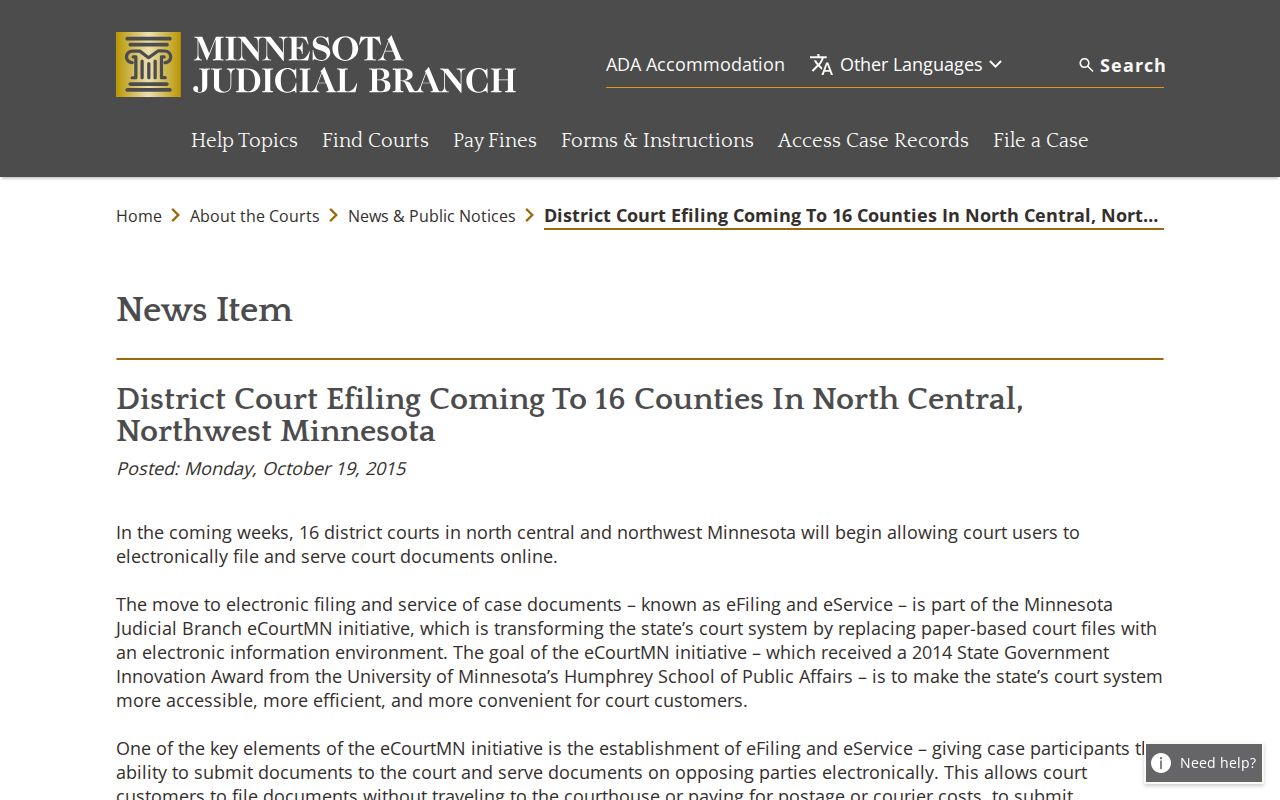
That shift explains a common puzzle in Norman County case lookup: a record can carry an electronic index while certification and access limits still call for review by Court Administration.
Note: Before ordering, ask Court Administration whether the copy you need is ordinary, certified, or exemplified.
Public Access and Sealed Records
Public inspection has limits. Not every Norman County court record can be viewed online or copied without restriction. The Minnesota Government Data Practices Act, Minn. Stat. § 13.03, sets a general baseline for public data. Court records, though, answer to the court-specific Rules of Public Access. Those rules sort records into accessible and nonaccessible categories. They govern inspection where the records are kept, set remote-access limits, and give protected material special handling.
Key Rules:
Rule 4 identifies accessible and nonaccessible case-record categories and privacy restrictions.
Rule 8 governs inspection and copying, remote access, bulk distribution, and category-specific document access.
Minn. Stat. § 13.03 supplies the general government-data inspection, copy-cost, and prompt-access baseline.
Minn. Stat. § 609A provides the expungement and sealing framework that can affect public access.
Sealed, confidential, juvenile, and otherwise protected records stay under those rules no matter what. An empty MCRO result does not mean no court record exists. The filing may simply be older or restricted, unavailable from afar, or easier to reach through the courthouse terminal and Court Administration.
Norman County Court Records After eFS
eFS is not a search tool. Minnesota Judicial Branch eFile and eService is a filing and service system for authorized filers. It is not the public case-search channel. According to the official rollout notice, eFile/eService reached Norman County on October 26, 2015. That came as part of the Ninth Judicial District implementation. For public searching, MCRO remains the record channel.
Here is where people get confused. An e-filed document can show up in MCRO under certain conditions. Its date, case type, and Rule 8 access category must allow remote viewing. That does not turn a confidential filing into a public one. Nor does it promise that every listed document can be downloaded. Filers should work through the Judicial Branch eFile/eService information. Record seekers should lean on MCRO and Court Administration for the right access path.