
The Norman County Court Calendar
The Norman daily public calendar is a PDF. The court links it from the Norman County District Court page. It lists current hearings. It does not replace the Register of Actions. That register carries the full filing history of a case docket. The court posts the calendar at 7:00 a.m. each business day. It updates the calendar hourly, so it works best for a setting in the next day or two while the case record supplies everything that came before.
Norman County District Court sits in the Ninth Judicial District. Its calendar shows Party Name, Hearing Location, Hearing Date, Time, Judicial Officer, Hearing Type, Connection Type, and Case Number. Pull a fresh copy on the hearing date itself. The court warns that the case, the judge, or the courtroom can change.
Norman County Daily PDF Timing
There is no Norman-specific structured calendar form or subscription feed. The official channel is the daily PDF alone. Use your browser's or PDF viewer's text-find tool. Search a party name, a known case number, or a hearing date. A saved copy can be stale. Open the current PDF instead of relying on one you viewed earlier.
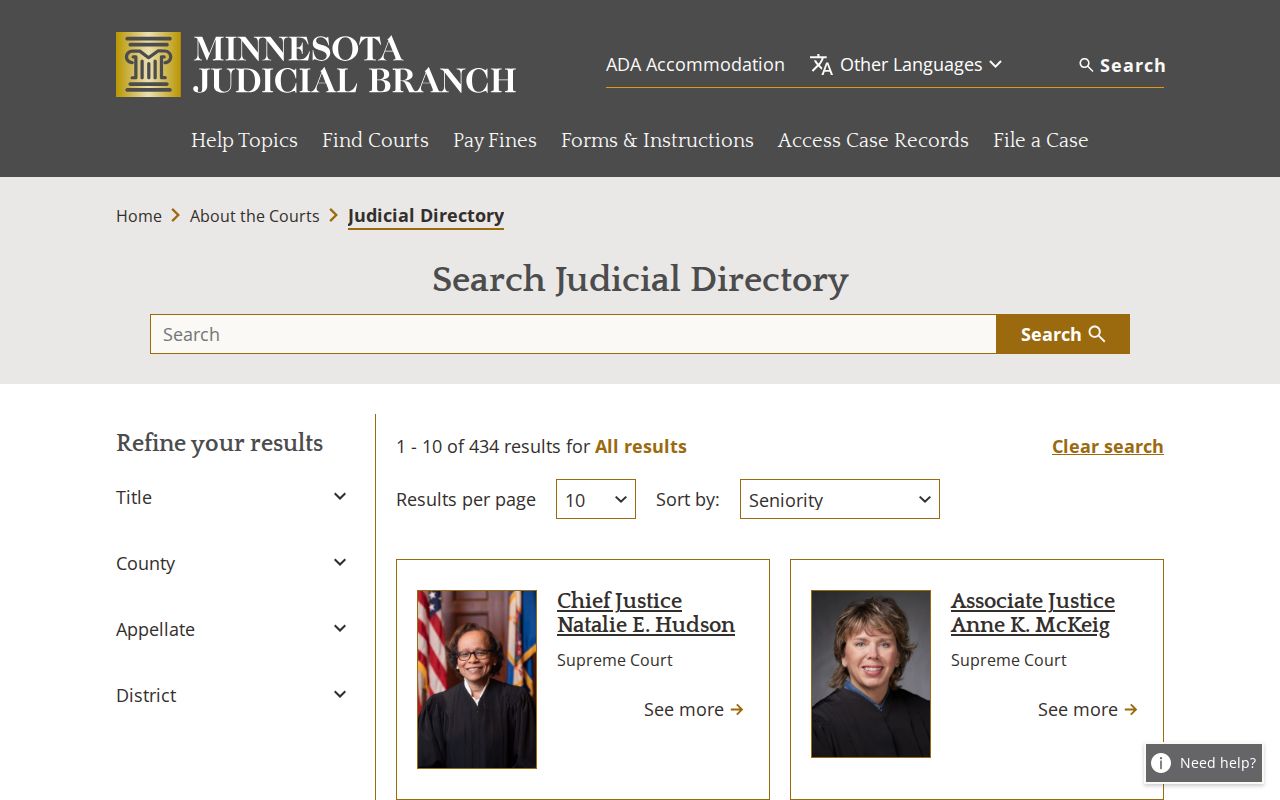
The assigned Ninth Judicial District directory source shows where the county calendar fits inside Minnesota's district-court structure.
The court's own daily PDF remains the public-calendar source for any Norman County setting.
How to Find Your Court Date
Use every channel when a hearing matters. The online calendar gives you the current published setting, and MCRO Hearing Search can find hearings by name, case number, judicial officer, attorney, or bar number. When an online result is missing or unclear, the counter, the public-access terminal, and the Court Administration phone line are the courthouse route.
- Open the current Norman daily PDF and text-find the known name or case number.
- Use MCRO Hearing Search with a date range and Norman County location when the calendar search is not enough.
- Open Case Details to compare the hearing with the Register of Actions.
- Check printed calendars outside the courtroom or public lobby when at the courthouse.
- Call Norman County Court Administration to confirm a changed or uncertain setting.
Norman Court Administration sits at 16 3rd Avenue E, Ada, MN 56510. Its public phone is 218-415-7090. The official page lists Monday through Friday hours of 8:00 a.m. to 4:30 p.m. The court offers no mail or email calendar-request form for Norman County. Plan on a call or a visit.
Norman County Hearing Search
MCRO Hearing Search is the statewide layer when your question is about a hearing rather than a filing. It offers Name, Case Number, Judicial Officer, and Attorney modes, plus date ranges, case categories, and a choice of statewide or county location. Pick Norman County when the venue is known. Then compare what you find against the current county PDF.
A hearing record points you to the case. It is not an outcome. A criminal entry might read initial appearance, arraignment, omnibus hearing, pre-trial, review hearing, or probation-violation hearing. That label is just a setting name. The same goes for a civil conciliation hearing or generic hearing: the label identifies the event, not its result.
Reading a Court Setting
Read every field on a calendar line. Do that before you act on a Norman County court setting. The calendar used Court Room 1 and Zoom as its location and connection labels. A Zoom label by itself is not a public meeting link. It also does not mean remote observation is permitted.
| Date | The listed hearing date, subject to later change. |
|---|---|
| Time | The published time for the specific setting. |
| Location | A courtroom or remote label such as Court Room 1 or Zoom. |
| Judicial officer | The officer listed for that calendar entry, not a permanent-assignment claim. |
| Hearing type | The scheduled event label, which does not itself resolve the case. |
| Case number | The identifier to use in MCRO Case Details or with Court Administration. |
Norman County Calendar Fields
The Connection Type field is a helpful cue, but only with context. Follow the official remote-hearing information. Get authorized access from the court instead of guessing at a Zoom link from the calendar. Court-specific rules on attendance, decorum, and recording may apply.
The calendar cannot show confidential or nonremote matters either. A public listing does not make every filing or participant detail public. Treat the daily PDF as a published scheduling record, not as a complete public case file.
Resets, Continuances, and Cancellations
Norman County updates the daily calendar hourly. The case, judge, or courtroom can change without much warning. A line that moved or vanished may reflect a reset, a continuance, a nonremote status, or another adjustment. That is not a dismissal. It is not a cancellation either.
A prior notice may clash with the current PDF. In that case, check MCRO Case Details for later events. Then call Court Administration. The printed calendars posted outside courtrooms and in public lobbies are identified as the most current version. That makes them the strongest stop for an in-person confirmation.
Norman County Printed Calendar Checks
The courthouse route matters. The official county page names the printed public-lobby and courtroom calendars as the most current version. State materials also require public-access terminals at district courthouses. The court does not publish where Norman's terminal sits. It also leaves out its in-building hours and how to get help with it. Call Court Administration before a trip if a terminal, accessibility, security, or copy procedure matters to you. The court page lists free surface and on-street parking, but many in-person workflow details go unpublished.
What To Do If You Miss a Setting
Missing a court setting can carry serious consequences that turn on the case and the court's orders. An absent calendar line does not make the issue go away. Identify the case through the current Norman daily calendar and the MCRO case record, then contact Court Administration or a licensed attorney promptly for case-specific next steps.
Missed a Setting? Failure to pay or appear on a citation can lead to late penalties, a warrant, collections, or other state-agency consequences depending on the offense.
Call the local court office with the complete case number and confirm whether a new setting, appearance, or other court action is required.
Norman County Calendar Omissions
Some Norman County hearings never appear online. Confidential matters and nonremote settings stay off any posted calendar. A gap in the Norman County court docket is not proof that nothing is scheduled. Check the missing matter through another channel before assuming no hearing exists.
Two rules drive this. Rule 4 lists the restricted court-record categories. Rule 8 sets the rules for access and remote availability. Court Administration can tell you whether a public inspection route exists for a specific record.
Norman County Facility Rules
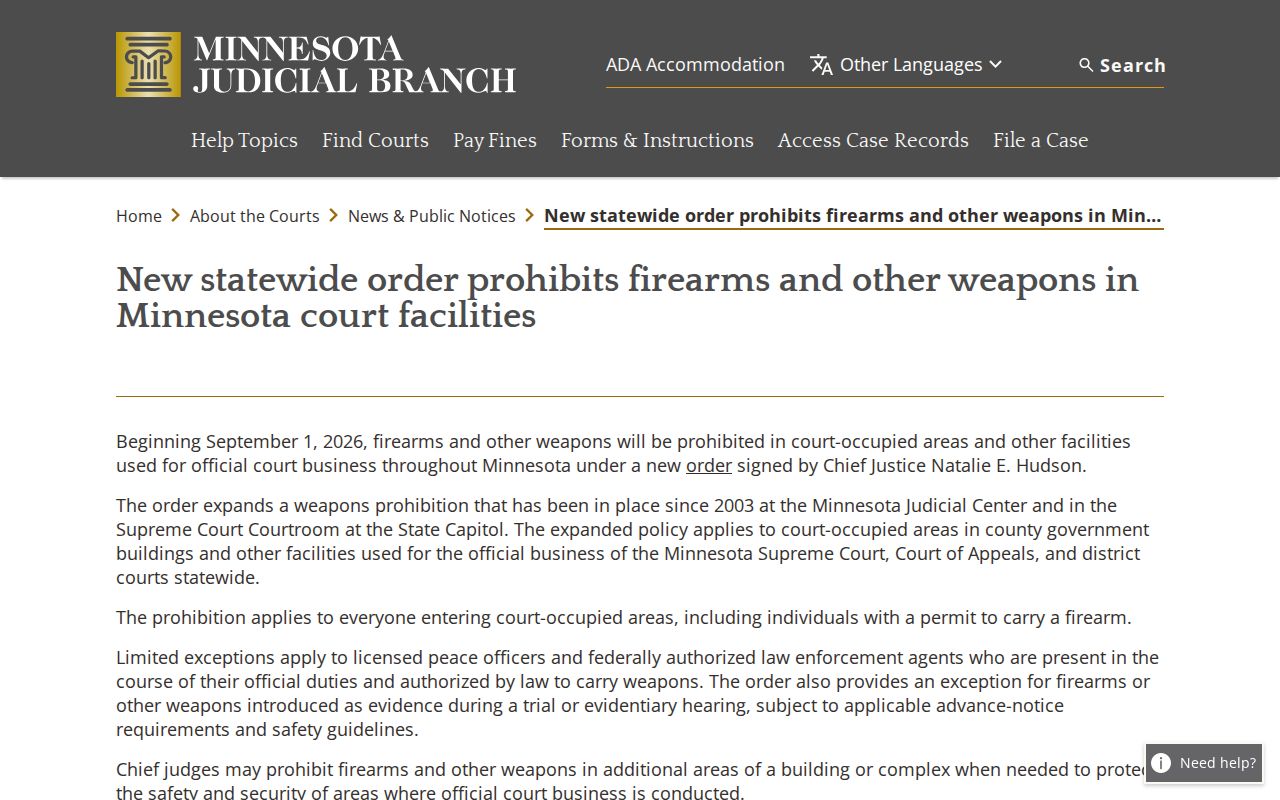
Heading to an in-person hearing? Check the court-facility rules before you leave. Building rules can change on their own, apart from anything a calendar entry says. The statewide facility order sets out what is prohibited inside every court facility in the state.
A calendar gives you the setting details; Court Administration settles any facility or access question that still remains.
Norman County Calendar Confirmation
Work one sequence. Start with the current PDF, then MCRO Hearing Search, then Case Details, then local confirmation. Write down the search date, the complete case number, the hearing date, time, and location. A calendar is current information only. Run the docket check again close to the setting so nothing has slipped past you.
Remote appearances follow the same order. The daily calendar can flag Zoom as a connection type. What it will not give you is a public link or the observer terms. Follow the Judicial Branch remote-hearing instructions. Lean on the local office for authorized access details. Recording, rebroadcasting, or capturing a remote hearing is off limits. Do it only if the court's rules and orders allow it.
The local court page names Court Administration as the county contact. That covers calendars, records, filings, payments, language access, jury service, and local operations. Norman County posts no courtroom-assignment schedule. It keeps no calendar archive and no public subscription feed. Check a specific setting through the current PDF or MCRO. Do not infer it from an old schedule.
Need a public record after a hearing? Open the Register of Actions with the complete case number. Note the event description and the document index number. Then ask Court Administration whether an ordinary copy, certified copy, or in-person inspection is available. The Minnesota Government Data Practices Act works alongside the court-specific Rules of Public Access. Neither overrides confidential, sealed, restricted, or nonpublic limits.
Note: A Norman County court calendar entry identifies a scheduled event. The Register of Actions holds the fuller case history behind that event.
Norman County Calendar Archive Limits
Norman County keeps no online calendar archive. For an older setting, search MCRO with the complete case number. Read the hearing and event history there. Court Administration can handle a request for a public record that no longer sits on the current daily PDF. That is how a temporary schedule stays separate from the lasting case record.
When a record must be inspected locally, bring the case number and any event date with you. The courthouse public-access route runs through Rule 8 and the restrictions in Rule 4. The local office can explain your options. A public copy, terminal review, or another access path may fit the precise record you want.