
Searching Cases by Name
Minnesota Court Records Online Case Search is the tool for a Norman County case. You can search by the name of a person or a business. Try the exact spelling first. Pick Norman County once you know where the case belongs. Name searches can miss things, the official guidance warns. Results are not guaranteed complete: a pending criminal case with no conviction may not come back under a defendant-name lookup. If you have the full case number, use that instead. A complete number is the more reliable route to the right docket.
- Open Case Search and select person or business.
- Enter the last name and first name fields that apply.
- Use the Norman County location and case-category filters if they fit the question.
- Use a trailing wildcard only after at least two characters.
- Open Case Details and read the Register of Actions, hearings, documents, and dispositions.
Sounds Like will not work with a wildcard. Save the search date and the full case number so a later follow-up with Court Administration or the courthouse is easy.
| Field | Type | Required | Use |
|---|---|---|---|
| Last name | Text | No | Person-name searching. |
| First name | Text | No | Narrows an exact person search. |
| Sounds Like | Option | No | Do not combine with wildcard. |
| Location | Filter | No | Select Norman County or broaden statewide. |
| Category or date filed | Filter | No | Refines the result set. |
Norman County MCRO Search Modes
MCRO opens with four public tabs: Case Search, Document Search, Hearing Search, and Judgment Search. Case Search is the main route to a Norman County Register of Actions. Document Search works from a case number. Hearing Search answers a date, participant, attorney, or judicial officer question. Judgment Search indexes docketed money judgments and their satisfactions separately.
The MCRO portal is the statewide public-access gateway. It handles Norman County searches without any separate county portal.
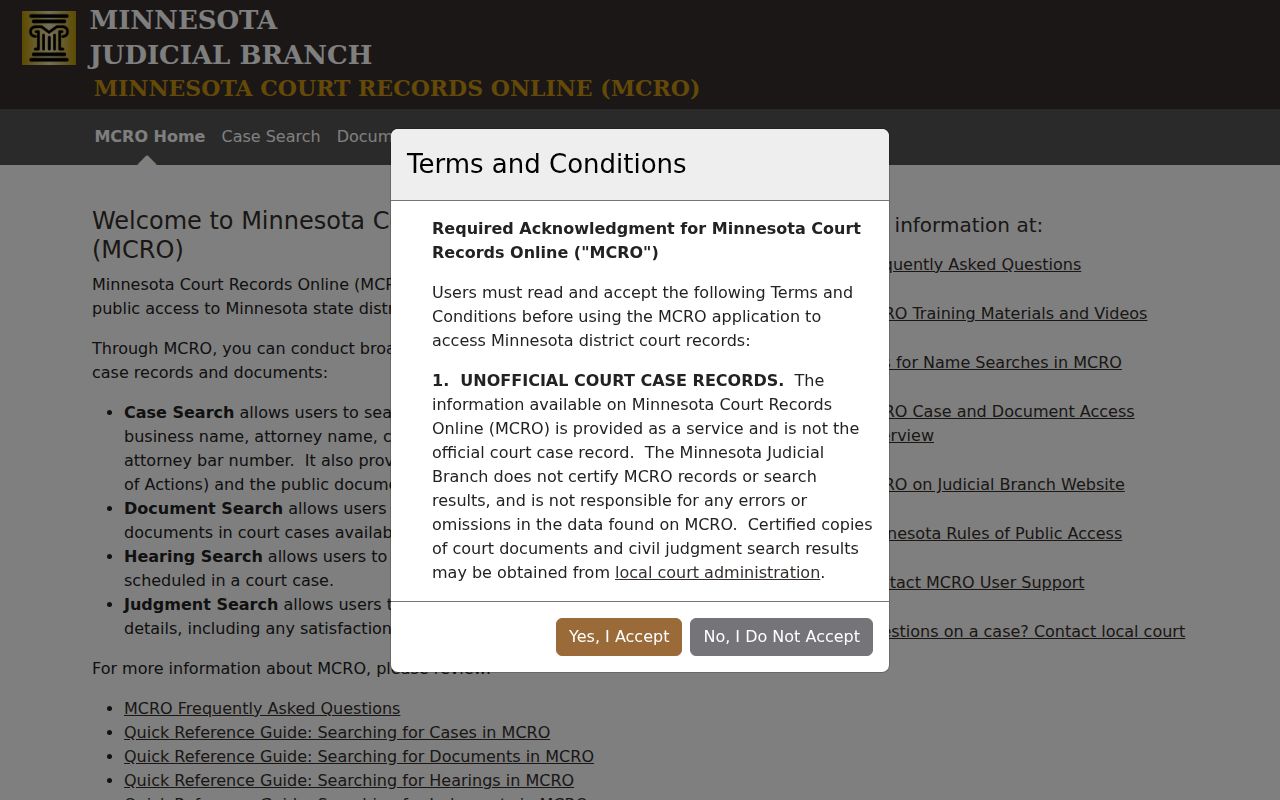
Pick the tab that fits your question, then open Case Details for the fuller public case history.
Searching by Case Number
Those MCRO modes demand a complete case number or a complete citation number. Anything partial triggers an error. Norman County criminal case numbers commonly take the form 54-CR-25-231, with a county code and a criminal marker. Treat that only as an example of the local format, never as a stand-in for the number printed on your court notice.
Always type the full number from the case notice, citation, or existing court record. That same number carries over to Document Search and to Court Administration. For a citation matter, the traffic citation number is the proper search key; a case number applies once the court has opened the case.
Norman County Name Search Controls
MCRO name searching offers a lot of control: last, first, and middle name fields, a Sounds Like option, wildcards, date of birth, date filed, case category, case status, and court location filters. Person and business searches run on different name logic. Narrowing to Norman County first usually sharpens a local search, while a statewide sweep pays off only when the question truly spans counties.
Filters help you find a record. They cannot tell you what its status means. Open the result and read the event history, detailed disposition, and any judgment or satisfaction entries before trusting a label.
What a Case Search Returns
Case Details is the online Register of Actions, tracking the case's title, origination, activities, proceedings, and filings. Work through Case Information, Party Information, Case Events, Hearings, Dispositions, Documents, and any Judgment or Financial sections. If one filing matters, save its event date, description, and document index number.
| Case information | Case number, type, filing date, venue, and status. |
|---|---|
| Parties | Participants and roles, which are not findings or outcomes. |
| Events | Dated Register of Actions entries. |
| Hearings | Scheduled court events that can change. |
| Documents | Public document links or index entries where available. |
| Judgments | Docketed money-judgment and satisfaction information when shown. |
Norman County Document Search Route
Once you have the complete case number, switch to Document Search. Use it to pull a specific public attachment. Keep in mind that an index entry does not guarantee a downloadable document. Remote access turns on Rule 8. The record category and whether the document is public at all also matter.
The Judicial Branch media page describes the state-maintained court information environment behind the search system. Even so, the portal remains the proper record route.
When the index shows no attachment, give Court Administration the case number and document index first. Then request inspection or a copy.
Statewide vs County Case Search
Norman County offers no separate county case-search portal. MCRO is the statewide public layer, and its county location control serves as the Norman-specific filter. For certified copies, inspection at a court terminal, restricted-record questions, or a record that is missing or thin online, Norman County Court Administration is the local channel.
| MCRO statewide search | Norman County local access |
|---|---|
| Searches public Minnesota court coverage with a Norman location filter. | Handles local access questions and certified-copy requests. |
| Shows online Case Details, documents where public, hearings, and judgments. | Provides the courthouse inspection and public-terminal path. |
| Is unofficial and cannot certify a record. | Can explain local procedures and record restrictions. |
Norman County Hearing Search Route
When your question is a date rather than a filing, use MCRO Hearing Search. It covers name, case number, judicial officer, attorney, date-range, category, and location. Check any result against the current Norman daily calendar. That PDF is updated hourly once it posts on a business day.
Confidential and nonremote matters may not appear in the daily PDF. The printed calendars at the courthouse are flagged as the most current. And remember that a hearing label is only a setting, not a disposition.
Norman County Judgment Search Route
Judgment Search covers docketed money judgments and satisfactions. Think of it as an index. Open Case Details for the full history. Judgment Search is no substitute for the Register of Actions, and it cannot issue a certified judgment. When legal proof or a certified copy is required, Court Administration is the local route.
The Norman County fee table lists $5 for each certified judgment-search name. It also lists $40 for a transcript of judgment docketed or issued. Confirm the exact format and fee category before you pay for a request.
Access and Restricted Cases
Two court rules control what you can see. Rule 4 decides whether a record is public. Rule 8 decides whether it can be viewed remotely. Sealed files, juvenile matters, CHIPS cases, and civil-commitment records all carry their own access limits. So do domestic-abuse, harassment, and other protected case types.
Even a public case history may not put every document online. MCRO itself cautions that its records are unofficial and sometimes incomplete. A blank result screen is not proof that no case exists. It could mean the category is restricted. It could mean the material is old, that a criminal name-search limit is still pending, or that the record must be inspected at the courthouse instead.
Norman County MCRO Result Gaps
A missing case is often a search problem rather than a closed door. Try again with exact spelling and full identifiers. Check the right MCRO tab before giving up. An index entry without a link still helps. It can give the court enough detail. The court can then answer a precise, neutral request for a public Register of Actions, an ordinary copy, or a certified copy.
For statewide context, the Judicial Branch announcement source covers the state court system. It is a resource, not a substitute for actual MCRO case results.
When one specific case is the goal, stick to the tools built for it. The portal, the daily calendar, or Norman County Court Administration will get you further than a general judiciary page ever will.
Norman County Courthouse Search Fallback
Not everything shows up online. Norman County Court Administration handles the public-access terminal and certified copies. The office also answers questions about sealed or restricted records. You will find the office at 16 3rd Avenue E, Ada, MN 56510. The public phone is 218-415-7090. Listed hours run Monday through Friday, 8:00 a.m. to 4:30 p.m. Call first to confirm any in-person detail. The court's own page notes free surface and on-street parking nearby.
Norman County Case Search Boundaries
MCRO has firm edges. Federal cases never appear there. They live in PACER or CM/ECF instead. MCRO is not eFile and eService either. It cannot accept a filing or schedule a hearing. That job belongs to Minnesota eFile and eService for authorized users.
If a public state-court record will not surface remotely, try the courthouse channel before concluding it is unavailable. Public records can usually be inspected where they are kept. Inspection happens during regular hours, subject to Rule 4 and Rule 8. Court Administration can handle a certified-copy request, a case-specific access question, or public terminal availability. Confirm any mail or email request process locally, since turnaround details vary.
A neutral request works best with specifics. Name the case number or known parties, the date range, and the exact item wanted. Ask for what you actually need. That could be a public Register of Actions, a document index number, an uncertified copy, or a certified copy. One caution applies. Never assume a result label, a single hearing entry, or a missing remote document settles the status of a case.
The Judicial Branch source rounds out the official picture. Use public court records for the case, hearing, document, or judgment question you actually have.
Note: Keep the search date, complete case number, and document index together for any Norman County follow-up.
Norman County Search Notes
Gather your identifiers before contacting Norman County Court Administration. Keep the search date, complete case number, document index, and any hearing detail in one place. Those specifics let the office tell a public Register of Actions request apart from a document or certified-copy request.